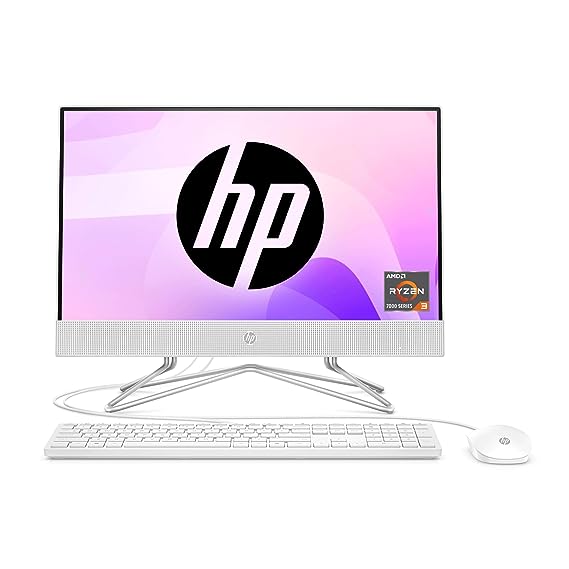
Desktop Computers: The Ultimate Guide to Performance, Productivity, and Innovation
Desktop computers remain a cornerstone of modern computing, offering unparalleled performance, customization, and reliability for work, gaming, and everyday use. Despite the rise of laptops and mobile devices, desktops continue to be preferred by professionals, gamers, and creative users who need powerful machines capable of handling demanding tasks. With a wide variety of models, brands, and specifications, choosing the right desktop computer can transform your computing experience.
This guide explores the advantages of desktop computers, their key features, popular types, and tips for selecting the best system for your needs.
1. Why Choose Desktop Computers?
Desktop computers are designed for high performance, durability, and flexibility. Unlike laptops, desktops offer better cooling, expandability, and cost-effective upgrades. They are ideal for users who require a reliable system for long hours of computing, heavy workloads, or immersive gaming experiences.
Key Advantages:
-
Powerful Performance: High-end processors, dedicated graphics, and large RAM capacity.
-
Customizability: Easily upgrade RAM, storage, or graphics cards to meet growing needs.
-
Better Cooling Systems: Efficient airflow ensures consistent performance under heavy workloads.
-
Cost-Effectiveness: High performance at a lower price compared to laptops with similar specs.
-
Durability: Desktop systems typically have longer lifespans due to robust components.
Whether you are a gamer, student, office worker, or content creator, desktops provide performance and reliability that laptops often cannot match.
2. Types of Desktop Computers
Desktop computers come in several types, each tailored to specific uses. Choosing the right type ensures that you get the performance and features you need.
A. Tower Desktops
-
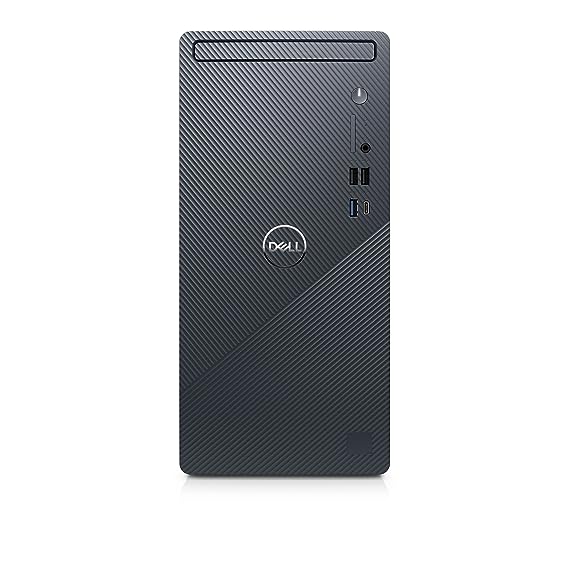
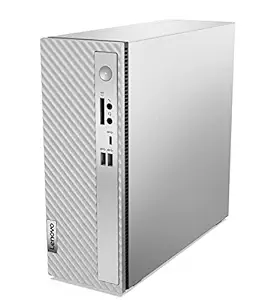
Standard Desktop Tower: Ideal for home and office use.
-
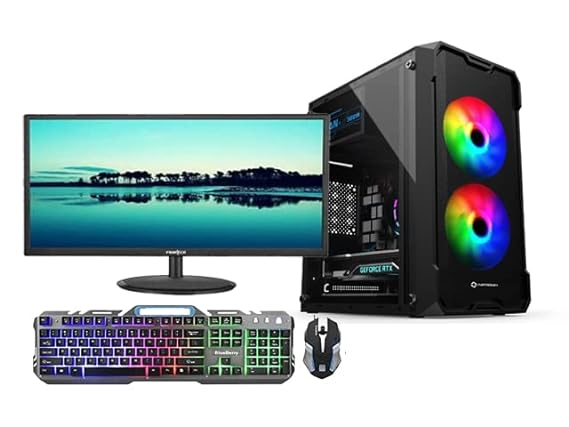
Gaming Towers: High-performance systems with dedicated graphics, fast processors, and RGB lighting.
-
Workstation Towers: Designed for professional workloads such as video editing, 3D modeling, and CAD.
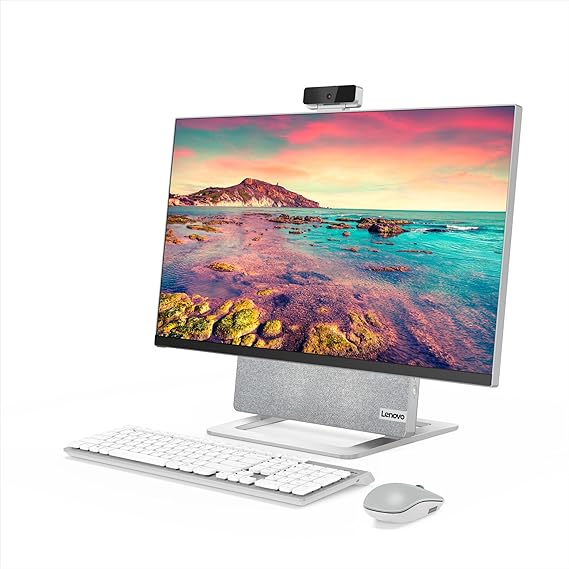
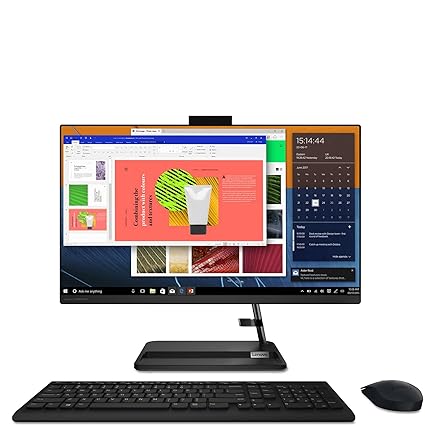
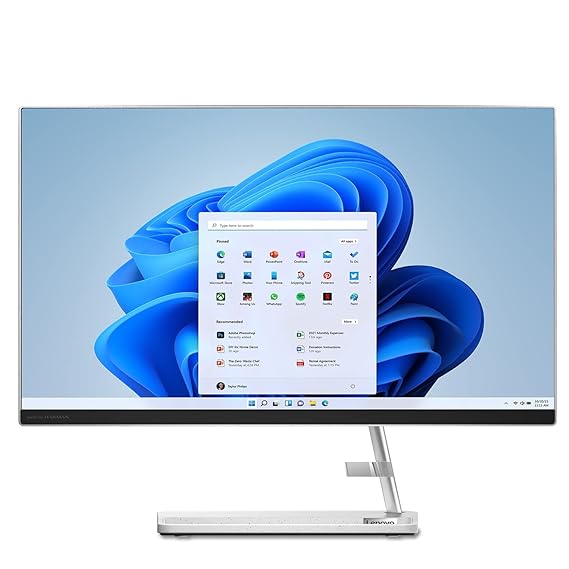
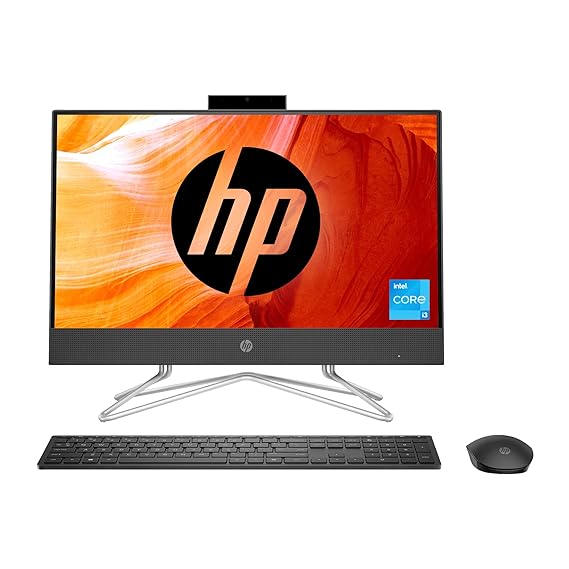
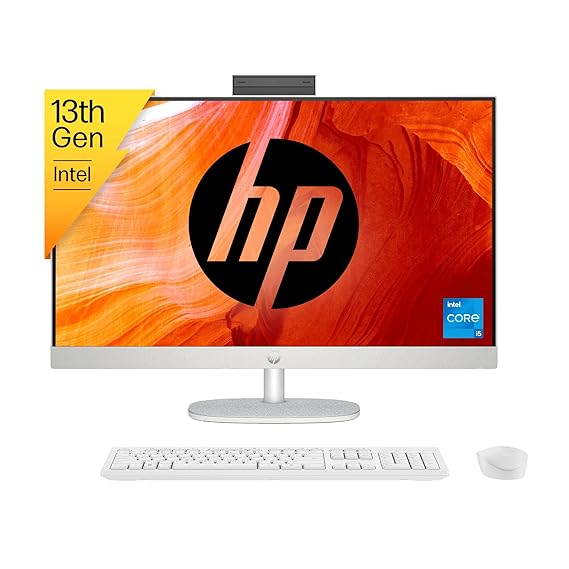
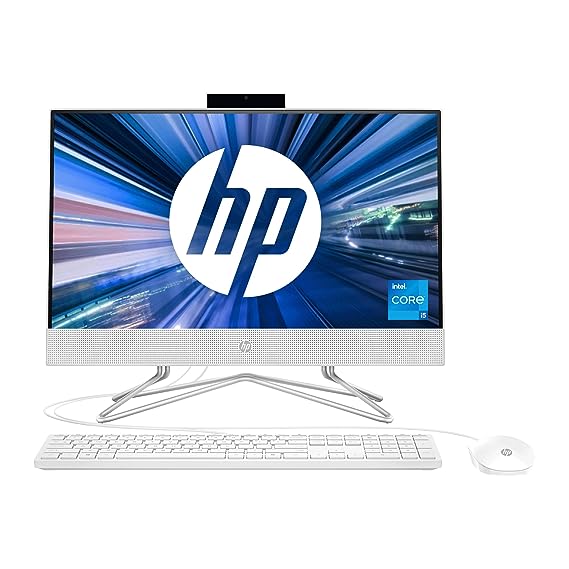
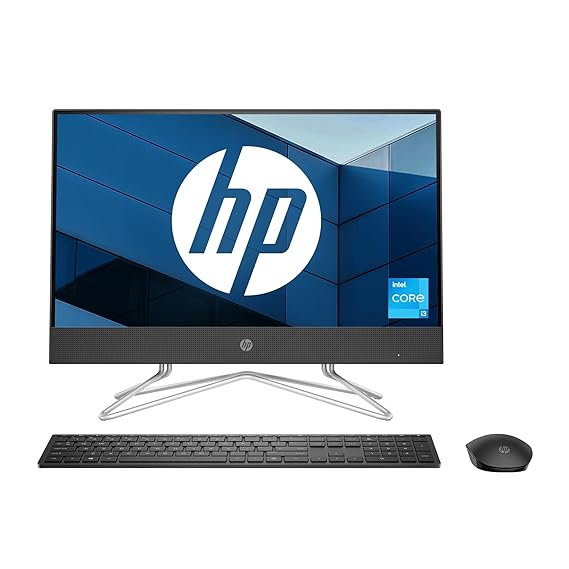
B. All-in-One Desktops
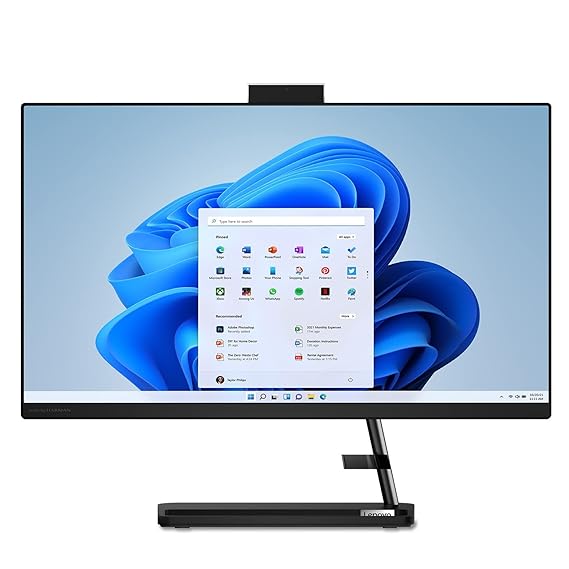
-
Combine the monitor and CPU into a single unit for a clean, compact design.
-
Offer space-saving solutions for offices and homes.
-
Often used for professional work and multimedia consumption.
C. Mini PCs
-
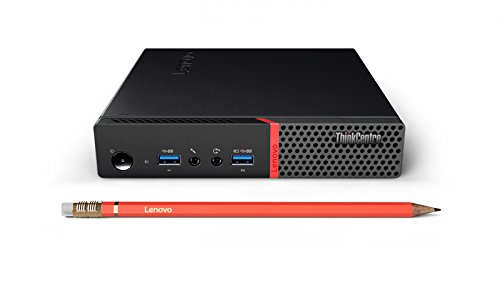
Compact and portable desktops for casual use and small workspaces.
-
Energy-efficient and easy to set up.
-
Suitable for students, remote workers, and small offices.
D. Gaming Desktops
-
Designed for high-end gaming with powerful GPUs, high-speed memory, and advanced cooling systems.
-
Often customizable with RGB lighting, multiple storage options, and high-refresh-rate monitors.
3. Key Components of Desktop Computers
Understanding the core components of desktop computers helps users make informed decisions.
A. Processor (CPU)
-
The brain of the computer.
-
Intel Core and AMD Ryzen series dominate the market.
-
Higher-core CPUs handle multitasking, gaming, and professional workloads efficiently.
B. Graphics Card (GPU)
-
Dedicated graphics are crucial for gaming, video editing, and 3D rendering.
-
NVIDIA GeForce and AMD Radeon are popular options.
C. Memory (RAM)
-
8GB RAM is sufficient for everyday tasks, while 16GB–32GB is ideal for gaming and professional work.
-
Upgradable RAM allows for future-proofing your system.
D. Storage
-
SSD (Solid State Drive): Fast boot times and application loading.
-
HDD (Hard Disk Drive): Cost-effective for bulk storage.
-
Many desktops combine SSD for speed and HDD for storage capacity.
E. Motherboard
-
Connects all components and determines expandability options.
-
High-quality motherboards support faster memory, multiple storage drives, and advanced connectivity.
F. Power Supply Unit (PSU)
4. Advantages of Desktop Computers Over Laptops
While laptops offer portability, desktops provide advantages in performance, upgradeability, and value for money.
-
Higher Performance per Price: Desktop CPUs and GPUs often outperform laptop equivalents at the same price.
-
Better Cooling: Larger chassis allows better heat dissipation for sustained performance.
-
Upgradeable Components: Easily swap out RAM, storage, graphics cards, and CPUs.
-
Longer Lifespan: Components are less compact and less prone to heat damage, ensuring longevity.
-
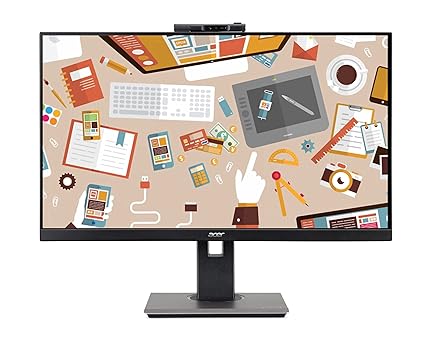
Multiple Monitor Support: Ideal for productivity setups and immersive gaming.
These factors make desktops the preferred choice for users seeking the best performance and flexibility.
5. Desktop Computers for Gaming
Gaming desktops have gained immense popularity due to their ability to handle high-end games at ultra settings. Features include:
-
High-refresh-rate monitors for smooth gameplay.
-
Dedicated graphics cards with ray-tracing support.
-
RGB lighting and customizable cases for aesthetics.
-
Overclockable CPUs and advanced cooling solutions for performance.
Gaming desktops provide the ultimate experience for gamers who want fluid graphics, fast response times, and immersive visuals.
6. Desktop Computers for Professionals
For professionals in graphic design, video editing, animation, and software development, desktops offer power and efficiency. Workstation desktops are equipped with:
-
Multi-core CPUs for multitasking.
-
High-performance GPUs for rendering and 3D modeling.
-
Large RAM and SSD storage for handling large files.
-
High-resolution monitors for precise visuals.
These desktops enhance productivity and ensure seamless workflow for demanding professional applications.
7. Desktop Computers for Home and Office Use
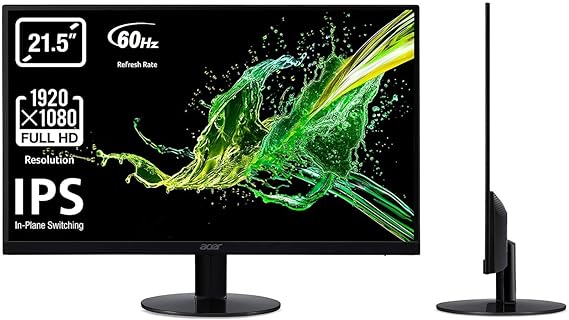
Everyday desktops are designed for general computing tasks such as browsing, streaming, office work, and online learning.
-
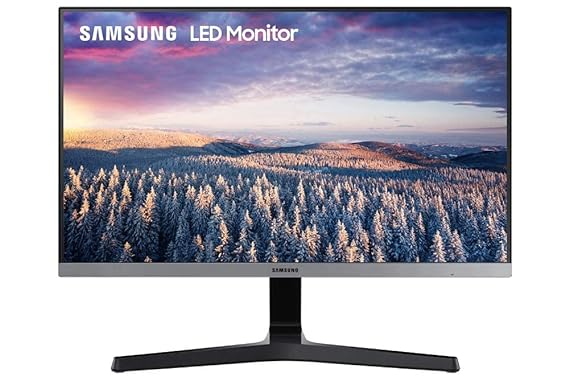
Full HD monitors for clear visuals.
-
Energy-efficient components for cost-effective operation.
-
Sleek designs for home offices or small workspaces.
-
Reliable connectivity options including USB, HDMI, and Ethernet.
They provide sufficient performance for students, professionals, and casual users without unnecessary cost.
8. Tips for Choosing the Right Desktop Computer
Choosing the best desktop computer depends on your needs, budget, and usage:
-
Define Your Purpose: Gaming, professional work, or everyday tasks.
-
Choose the Right Processor: Higher cores and clock speed for demanding tasks.
-
Check GPU Requirements: Dedicated graphics for gaming and design; integrated GPU is fine for general use.
-
Memory & Storage: Minimum 8GB RAM and SSD storage; expandability is a plus.
-
Monitor & Peripherals: Ensure compatibility with high-resolution displays and input devices.
-
Future-Proofing: Opt for systems that allow upgrades for long-term use.
9. Popular Desktop Computer Brands
Some of the most trusted desktop computer brands include:
-
Dell: Reliable, professional desktops and gaming systems.
-
HP: Wide range of home, office, and gaming desktops.
-
Acer: Affordable and performance-oriented desktops.
-
Lenovo: Durable desktops with strong business features.
-
Apple iMac: Premium all-in-one desktops with sleek designs and macOS ecosystem.
Each brand caters to specific user needs, ensuring a desktop exists for every budget and requirement.
10. Conclusion
Desktop computers remain a vital part of modern computing, offering unmatched performance, customization, and reliability. Whether you are a gamer, professional, or casual user, desktops provide the power, storage, and flexibility needed to handle demanding tasks efficiently.
With a wide range of types, components, and brands, you can find a desktop computer tailored to your needs—be it gaming, professional work, or everyday use. Investing in a quality desktop ensures long-term performance, upgradeability, and a superior computing experience compared to laptops and portable devices.
Frequently Asked Questions (FAQ) – Desktop Computers
1. What are desktop computers best used for?
Desktop computers are ideal for office work, home use, learning, business tasks, and entertainment. They are well suited for multitasking, long working hours, and applications that require stable performance.
2. Are desktop computers better than laptops for home or office use?
Desktop computers often offer better performance, easier upgrades, and improved durability compared to laptops. They are a good choice if portability is not a priority and you want a reliable system for regular use.
3. Can desktop computers handle multitasking smoothly?
Yes, desktop computers are designed to handle multitasking efficiently. They can run multiple applications at the same time, such as browsing, office software, video calls, and media playback, without performance issues.
4. Are desktop computers suitable for students?
Yes, desktop computers are suitable for students for online learning, assignments, research, and basic projects. Their larger screens and comfortable setup make them ideal for study environments.
5. Are desktop computers good for office and business work?
Desktop computers are widely used in offices and businesses because of their reliable performance, stability, and ease of maintenance. They support productivity tools, accounting software, and daily professional tasks efficiently.
6. Can desktop computers be upgraded easily?
Yes, one of the biggest advantages of desktop computers is easy upgradability. Components like memory, storage, and graphics can often be upgraded to improve performance over time.
7. Are desktop computers suitable for home entertainment?
Yes, desktop computers are great for home entertainment such as streaming videos, browsing the internet, video calls, and casual gaming. They provide a comfortable viewing and usage experience.
8. Do desktop computers consume more power?
Desktop computers generally consume more power than laptops, but many modern models are designed to be energy efficient. Power usage depends on the configuration and type of use.
9. Is it safe to buy desktop computers online?
Yes, buying desktop computers online from trusted sellers is safe. Online purchases usually include warranty, proper billing, and customer support, along with convenient home delivery.
10. Are desktop computers worth buying today?
Yes, desktop computers are worth buying if you need stable performance, long-term reliability, and a comfortable work or home setup. They remain a dependable choice for productivity, learning, and everyday computing needs.